How to Format One-click Conference Call-in Numbers for Better Meeting Management
Filed under:
Tips & Tricks
This handy tip makes it easy for people to join a conference call using their mobile phone (or computer) with just one click
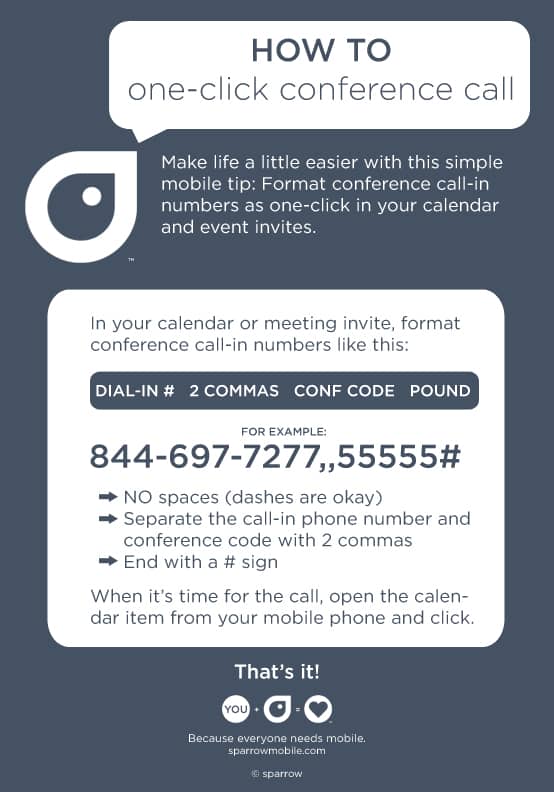
To make it easy as ‘just one click’ for people dialing into your conference call, and for better meeting management, simply format the call-in number in your calendar invite and email like this:
DIAL-IN,,CODE#
For example:
844.697.7277,,55555#
When someone clicks on the number using their smartphone, the full number sequence will automatically dial; first the dial-in, then a pause (commas = pauses), and then finally the conference code followed by a pound sign.
Formatting conference call-in numbers this way helps calls start on time (no more fumbling around trying to remember long codes) and people will thank you for making it so easy to participate.
Infographic: How to format a one-click conference call
Like this tip? Share it with a friend.